Halloween Sale!
Create Scroll-Stopping 3D Videos for Social Media
Using Footage You Already Have
Create Scroll-Stopping 3D Videos for Social Media
Using Footage You Already Have
Even if Blender has overwhelmed you before, you'll learn a simple step-by-step workflow in just 5 hours.
🔥Halloween Sale - Limited-Time Offer! 🚀
JUST [$1,485] $197
What students are saying
What you will be able to make



Normal Price: $1,485
Your Content Looks Good…
But It Doesn't Stand Out
Where you are now
- You know how to shoot
- You know how to edit
- Your videos still feel… flat
- Tutorials that go nowhere
- Learning Blender but getting overwhelmed
- Adding VFX but it looks like everyone else
Meanwhile, creators using 3D are:
- Grabbing attention instantly
- Making content that feels different
- Getting way more engagement
It's not having the right system.
The 5-Day 3D Filmmaker Upgrade™
What this is
This is not a "learn Blender" course.
This is a step-by-step system designed to help you:
- ✓ Add 3D to your existing workflow
- ✓ Create real projects (not random exercises)
- ✓ Integrate 3D into your own footage
- ✓ Produce scroll-stopping videos FAST
Your transformation
👉 "I don't know how to use 3D"
In just 5 days
👉 "I just made my most impressive video yet"
The System That Takes You From Tutorials → Real Results
DAY 1- The Creative Compass™
👉 Stop learning everything. Focus only on what actually matters.
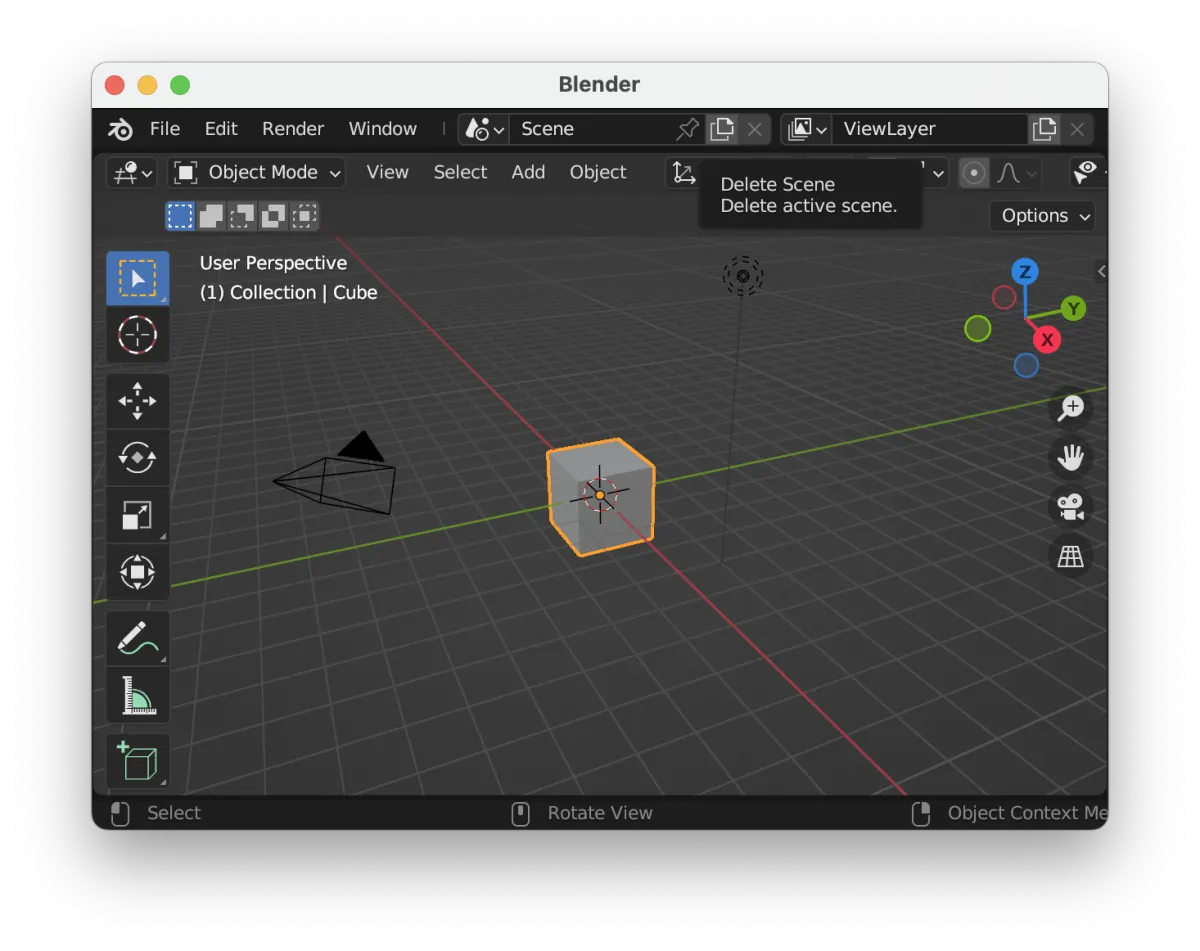
Introduction to Blender
Working with Objects
Learn about Animation & Keyframes

Master Textures & Materials
Learn How to use Lighting and Camera
How to Use Physics Simulation
DAY 2- The Build Mode Switch™
👉 Break out of tutorials and start creating your own work.
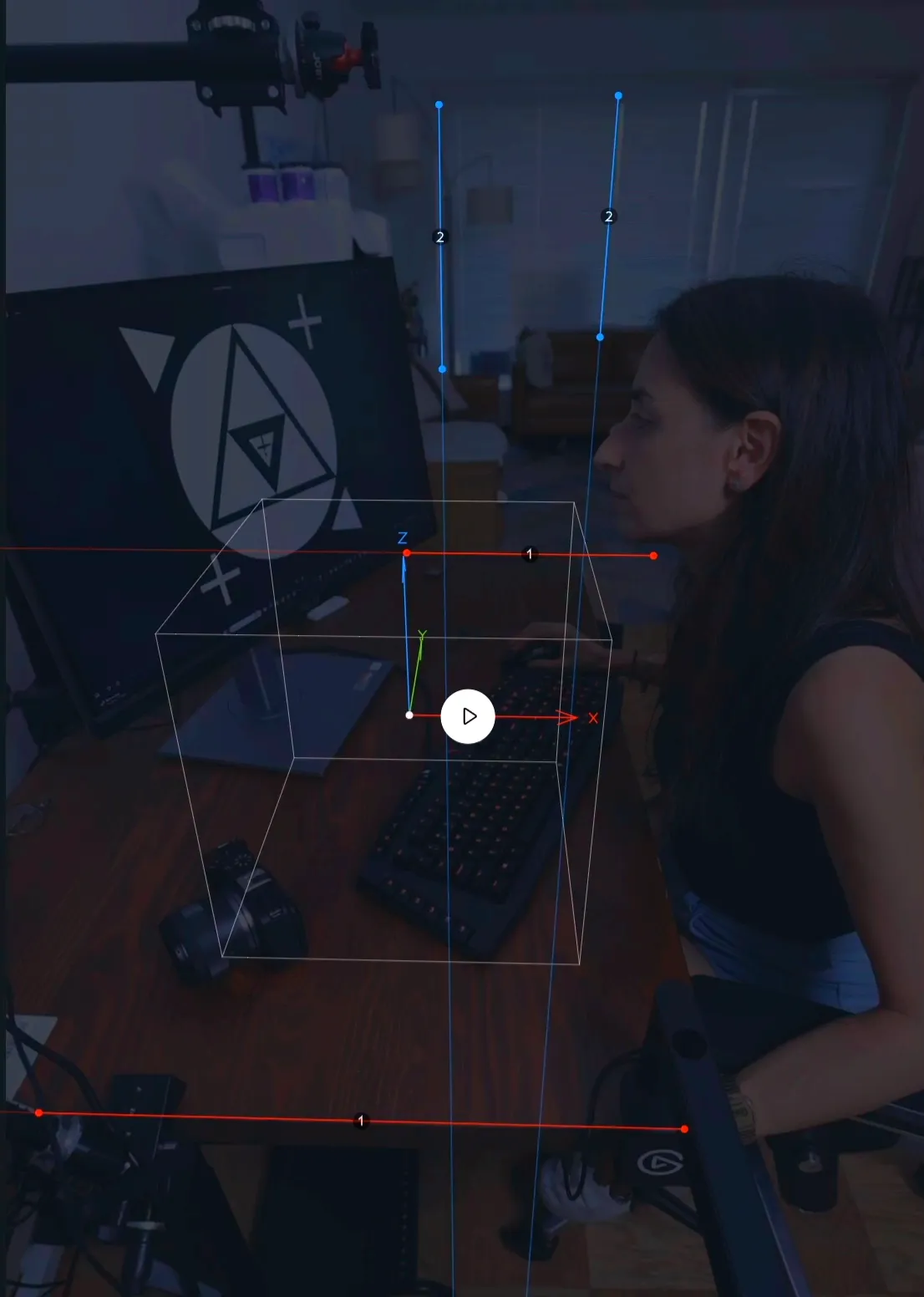

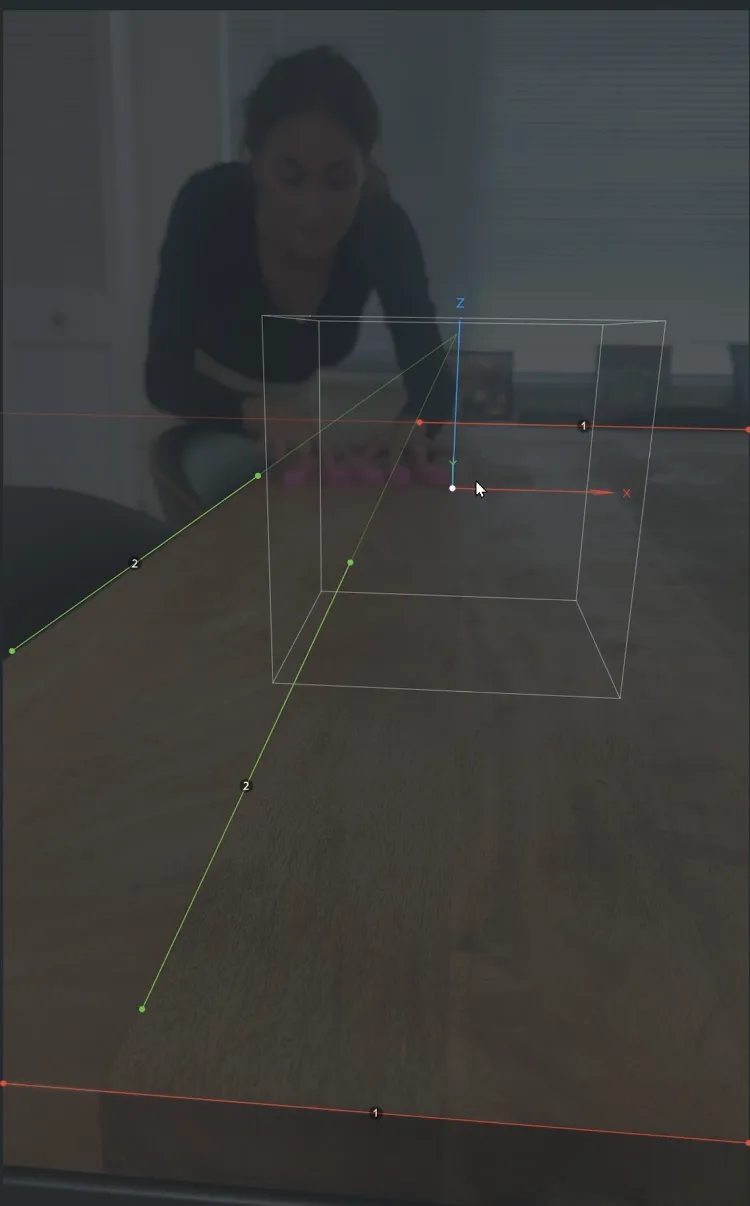
Understanding 3D Camera Tracking in After Effects
Exporting Tracked Camera Data from After Effects to Blender
Setting Up Blender for Imported AE Camera Data
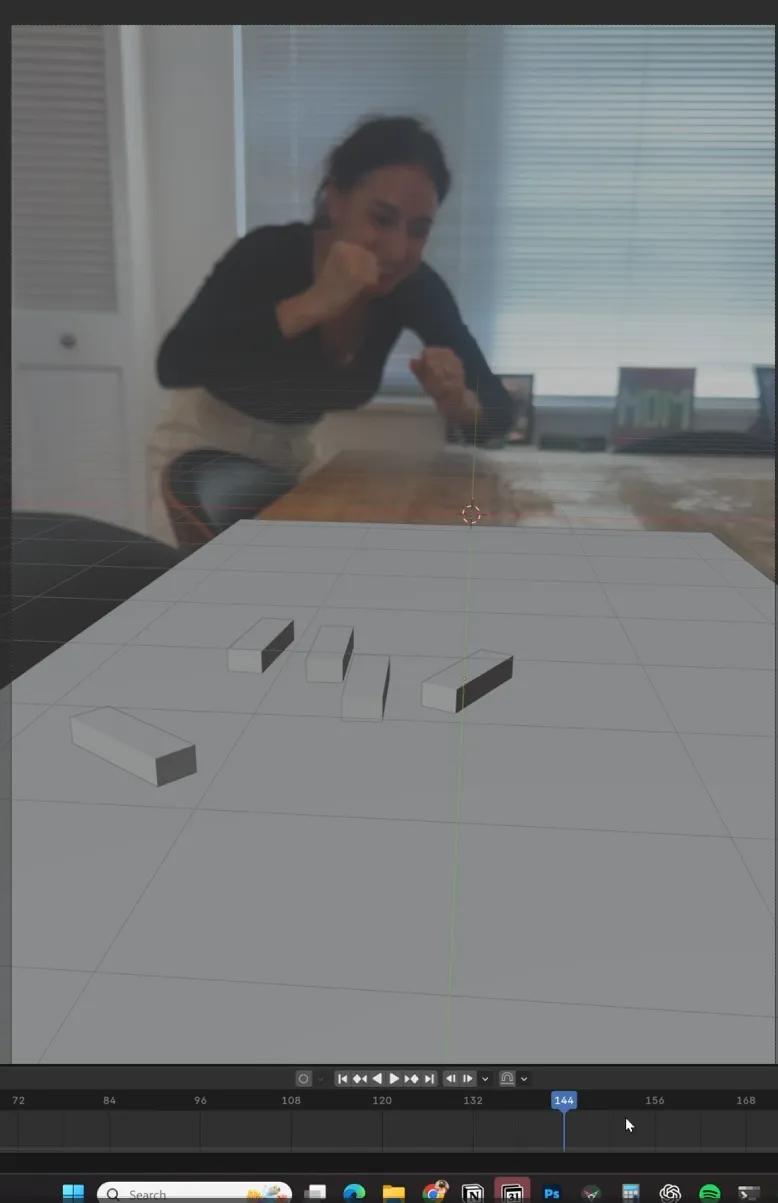
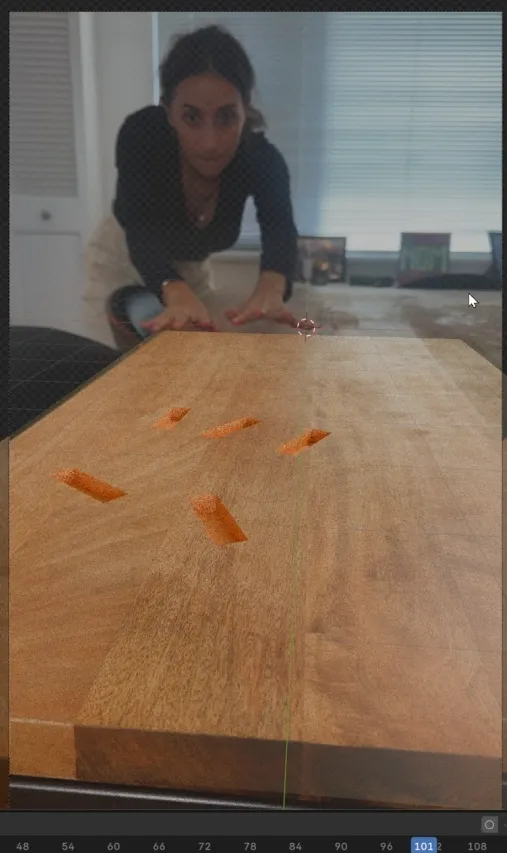
Integrating 3D Objects into the Tracked Scene
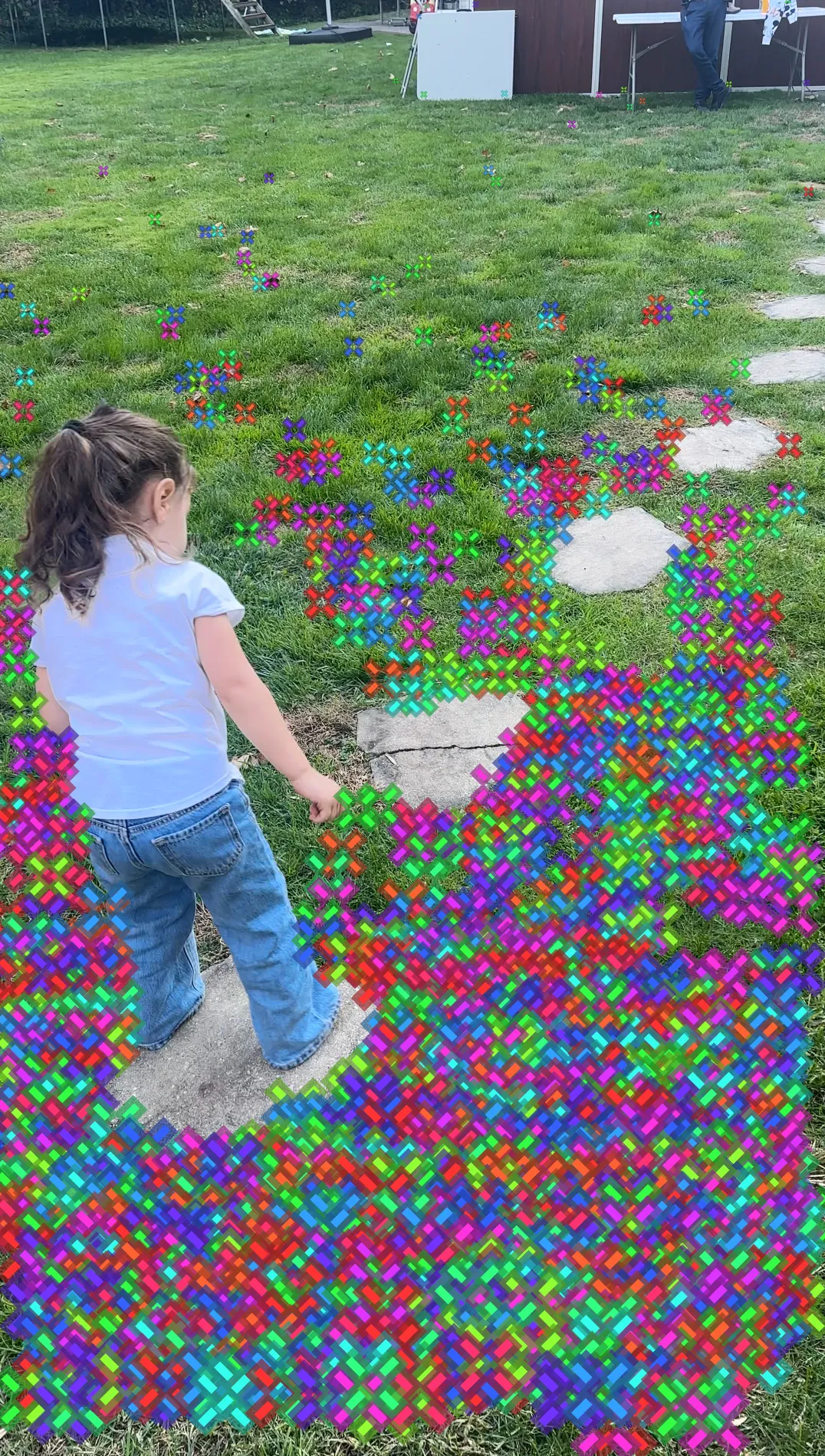
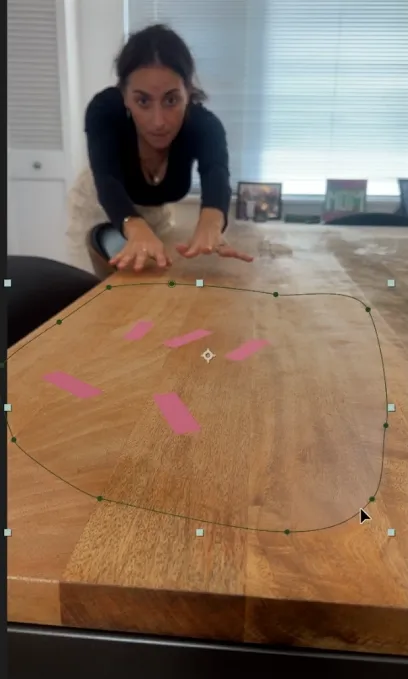
Track any objects in a moving footage
DAY 3- The Just-In-Time Engine™
👉 Learn only what you need, exactly when you need it.
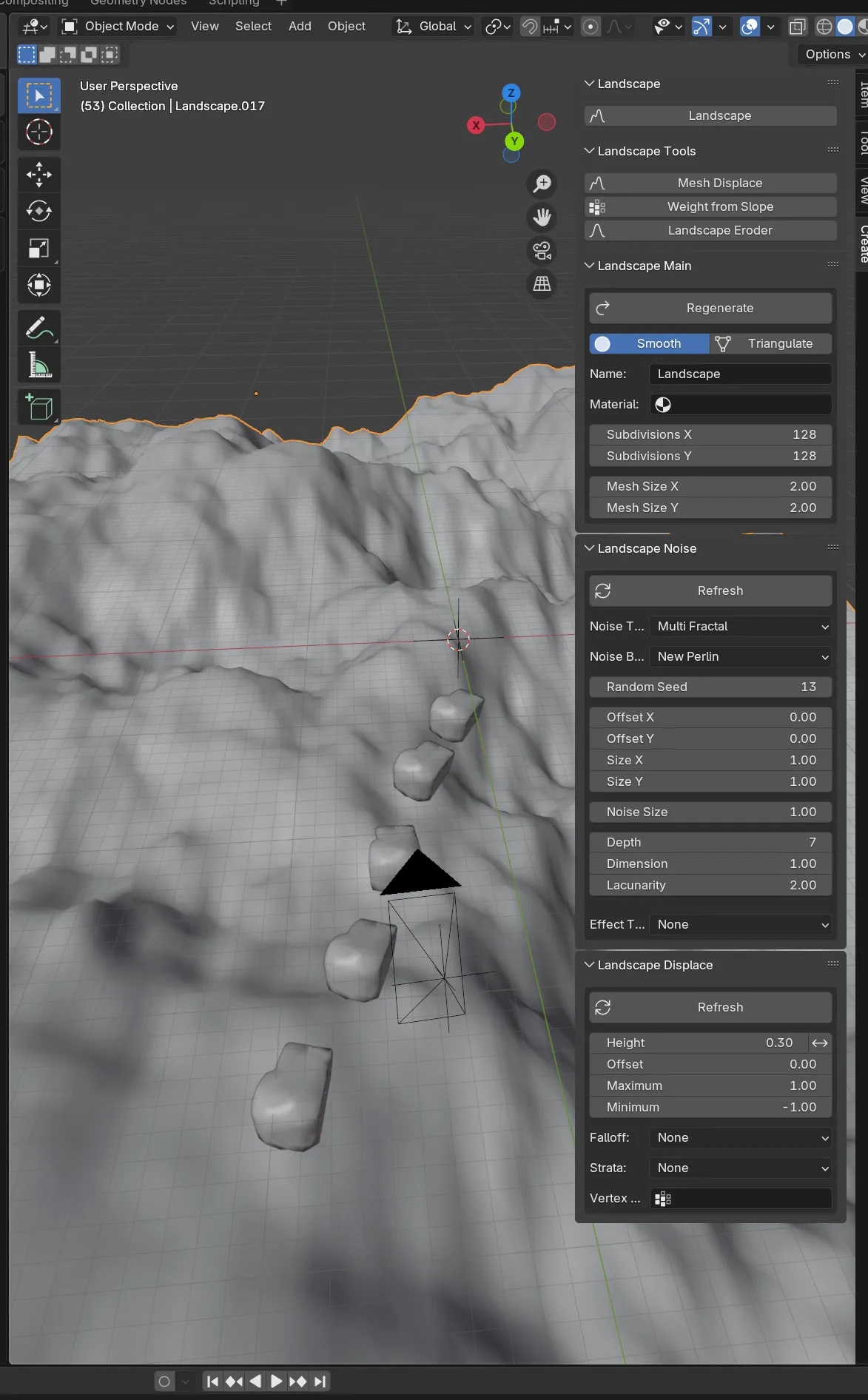
Building a 3D Scene: Setting Up Your Environment
Mastering the Timeline & Keyframes in Blender
Using Add-ons
Finalizing the Scene: Lighting, Materials, and Optimization
DAY 4-The Scene Fusion Method™ 🔥
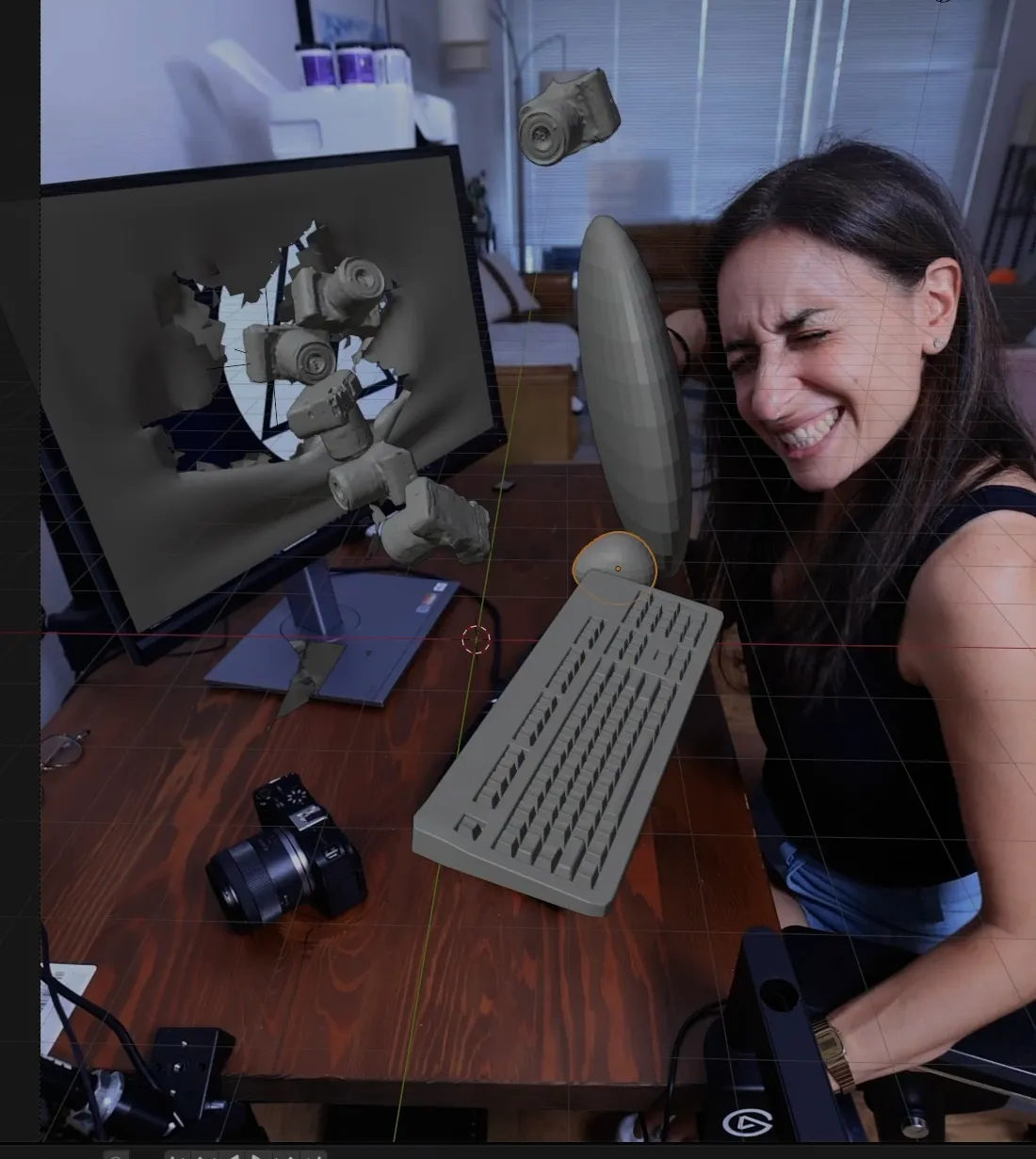

👉 Seamlessly integrate 3D into your real footage.
Camera tracking (After Effects → Blender)
Importing tracked data
Placing 3D into real scenes
Compositing
Day 5. The Full Stack™
👉 Get feedback, improve fast, and never get stuck again.
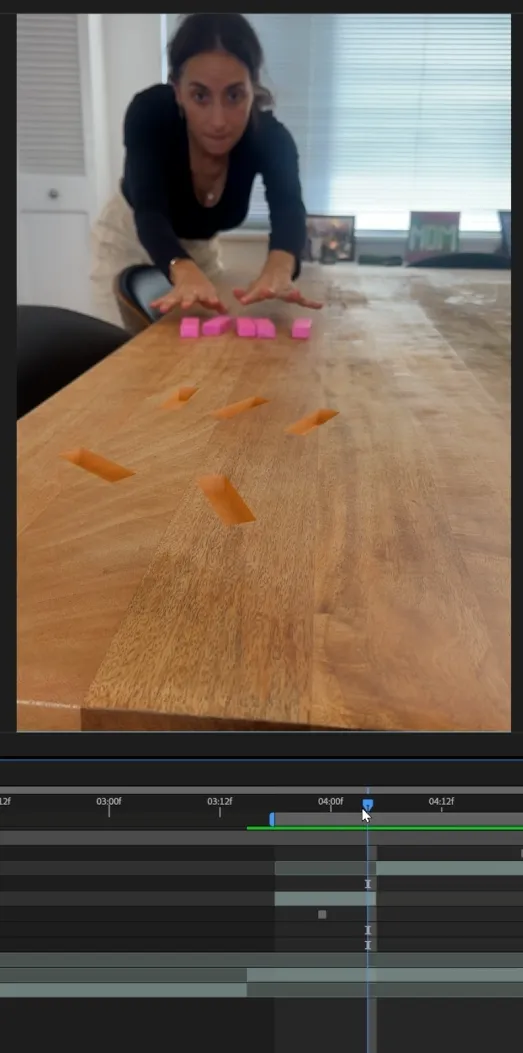
The complete workflow from start to finish. Camera track, 3D build, composite, finalize. You leave with a piece of work you actually made. Not a tutorial copy. Yours.
PRIVATE COMMUNITY
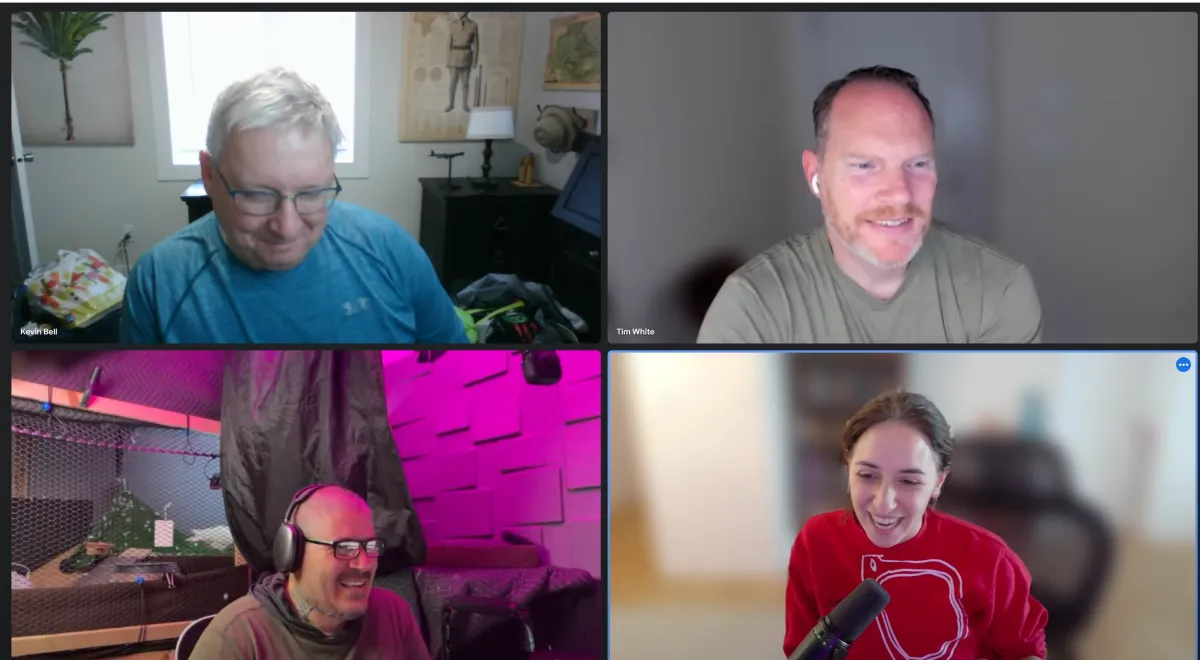
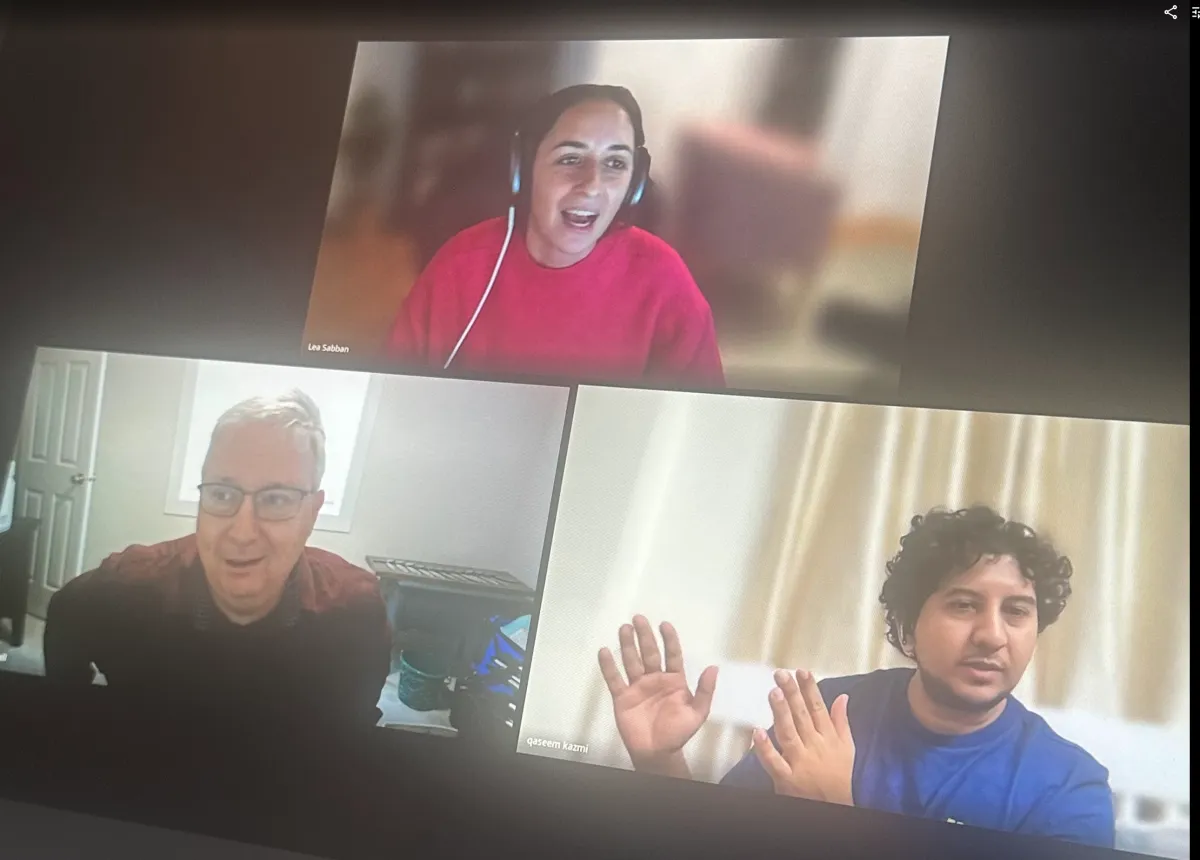
Private Community: Get all your questions answered daily so you are never second guessing or wasting time!
Customized Course: The course will be built around your specific needs as an early adopter. This is something that folks will not get to experience with the finished course!
👉 Get feedback, improve fast, and never get stuck again.
The AI-Leverage Workflow™
Blender + Claude
The difference between AI making you dependent and AI making you dangerous is skill. Once you can build, Claude becomes leverage. Here’s exactly how I use it inside my own workflow:
This is Controlled Creativity using AI with precision, not as a crutch. The edge most creators will never have, because they’re using AI to skip the skill instead of multiply it.
6,000+ creators asked how I connect Blender + Claude watch the proof
What's inside
Everything You Need to Get Results—Nothing You Don't
Step-by-step project-based training
Learn by doing, not just watching — every lesson is built around real projects.
Clear roadmap, no overwhelm
A structured path from beginner to confident creator, one step at a time.
Real footage integration workflows
Hands-on workflows using actual footage so you're always working with real material.
Templates & creative shortcuts
Ready-to-use templates so you can skip the setup and get straight to creating.
Community + feedback system
Share your work, get real feedback, and grow alongside other creators.
Lifetime access + updates
Pay once, access forever — including every future update and new content drop.
PRICING
Normal Price: $1,485
$197
The 5-Day 3D Filmmaker System
Step-by-step roadmap to create scroll-stopping 3D videosProject-Based Training (No Fluff)
Build real scenes and videos not random tutorials3D + Real Footage Integration Method
Learn how to blend 3D directly into your own shotsLifetime Access + Future Updates
Revisit anytime and keep improving your skills, course is being always updatedPrivate Community
Get all your questions answered daily so you are never second guessing or wasting time!
Customized Course
The course will be built around your specific needs as an early adopter. This is something that folks will not get to experience with the finished course!

No contracts - cancel anytime
PROUDLY TRUSTED BY
Meet Your Instructor
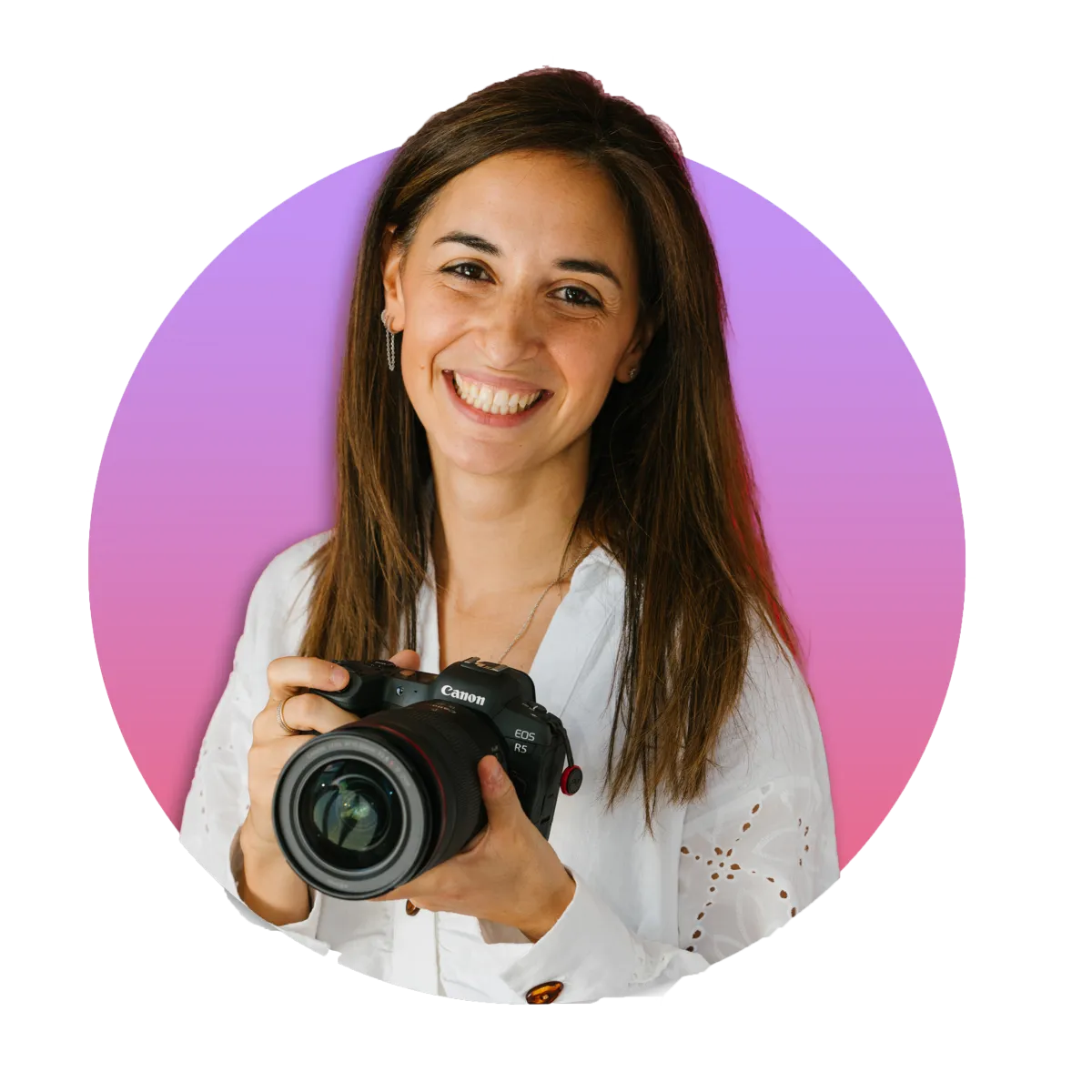
Hi, I’m Lea aka Leamotion.
I’ve been creating videos for over 10 years.
But when I started learning 3D, I hit the same wall most people do.
I followed tutorials.
I made the donut.
And after that…
I still couldn’t build anything on my own.
I could follow steps.
But I wasn’t really learning how to create.
So instead of giving up, I kept going.
I spent years:
practicing
testing
asking questions
and learning how to build full projects not just isolated effects
What changed everything for me was this:
3D is not about copying tutorials.
It’s about:
understanding the fundamentals
building full scenes
and turning an idea into something real
Today, I use Blender and VFX to create projects that mix
real footage + 3D
And that’s exactly what I teach inside this course.
Not random tricks.
Not endless tutorials.
A real process to help you go from:
“I can follow”
→ “I can build this myself.”
So if you’ve ever felt:
stuck
overwhelmed
or like 3D is too hard for you
You’re exactly who I made this for.
My goal is simple:
To help you build the technical confidence
to create videos that make people stop and say:
“How did you do this?”
Who Is This Course For?
This course is built for filmmakers and content creators who shoot real footage and want to take their visuals to the next level without switching to a completely different workflow.
If you've ever watched a video and thought "how did they add that 3D element so seamlessly?" this is for you.
Specifically, you're a great fit if you:
🎬 Already shoot or edit video and want to add cinematic 3D elements that make your work stand out
🎬 Have dabbled in After Effects or Blender (or both) but haven't figured out how to make them work together
🎬 Want a real, professional-looking result not just tutorials that teach tools in isolation
This course bridges After Effects and Blender into one cohesive workflow, so your 3D elements don't just look added on they look like they belong there. 🚀🎬
Who Is This Course NOT For?
🚫 You don't shoot your own footage or work with real video this course is built around integrating 3D into live-action, not creating 3D from scratch.
🚫 You're learning 3D for gaming, product renders, or animation there are better-suited courses for those paths.
🚫 You want a deep dive into Blender or After Effects separately this is about making the two work together, not mastering either in isolation.
STILL NOT SURE?
Frequently Asked Questions
If you have any question that isn't cover here, Feel free to email me here
Question 1: What skill level is this program for?
This program is designed for beginners as well as After Effects or Blender users who want to integrate both tools for professional 3D compositing and motion design. Whether you're just starting out or looking to refine your workflow, this course will teach you how to blend 2D and 3D seamlessly, opening the door to more creative and dynamic video projects.
Question 2: How long do I have access to the program & when does it start?
You have lifetime access to the program, allowing you to learn at your own pace and revisit the material whenever you need. The course starts as soon as you enroll, so you can begin your journey to becoming a full-time video creator immediately.
Question 3: Can't I learn all of this on Youtube?
While YouTube offers a vast array of tutorials, this course provides a structured, comprehensive, and proven blueprint designed specifically for busy individuals. You’ll benefit from step-by-step guidance, expert insights, practical exercises, and a supportive community, all in one place, saving you time and ensuring you achieve your goals efficiently.
Question 4: Do I need to have a camera before starting?
No, you don't need to have any specific equipment or prior knowledge before starting this course. The program covers everything from the basics to advanced techniques, and we'll guide you on what tools and resources you might need as you progress.
Question 5: Should I invest in The 5-DAY 3D Filmmaker Upgrade before investing in gears?
Investing in The 5-DAY 3D Filmmaker Upgrade
is the perfect step for anyone looking to seamlessly combine After Effects & Blender. Whether you're a beginner or already familiar with one of these tools, this course will give you the technical skills and workflow strategies to create professional-quality 3D visuals and dynamic compositions.
Question 6: Why learn 3D when AI can already generate everything?
Because AI without skill makes you dependent, not powerful. Anyone can type a prompt but the moment you need to control a result, fix it, or make it truly yours, skill is what separates you. That's why the AI-Leverage Workflow is built into this course: you'll learn to use AI like Claude as leverage on top of real ability, not as a crutch that replaces it. The creators who win the next few years won't be the ones who can generate they'll be the ones who can build, and direct AI with precision.
Is there a guarantee?
Absolutely!
The 5-DAY 3D Filmmaker upgrade has a 7-Day Satisfaction Guarantee. If you are not completely SATISFIED and ENLIGHTENED by the Program, then contact us within 7 Days for a full refund, no questions asked!